
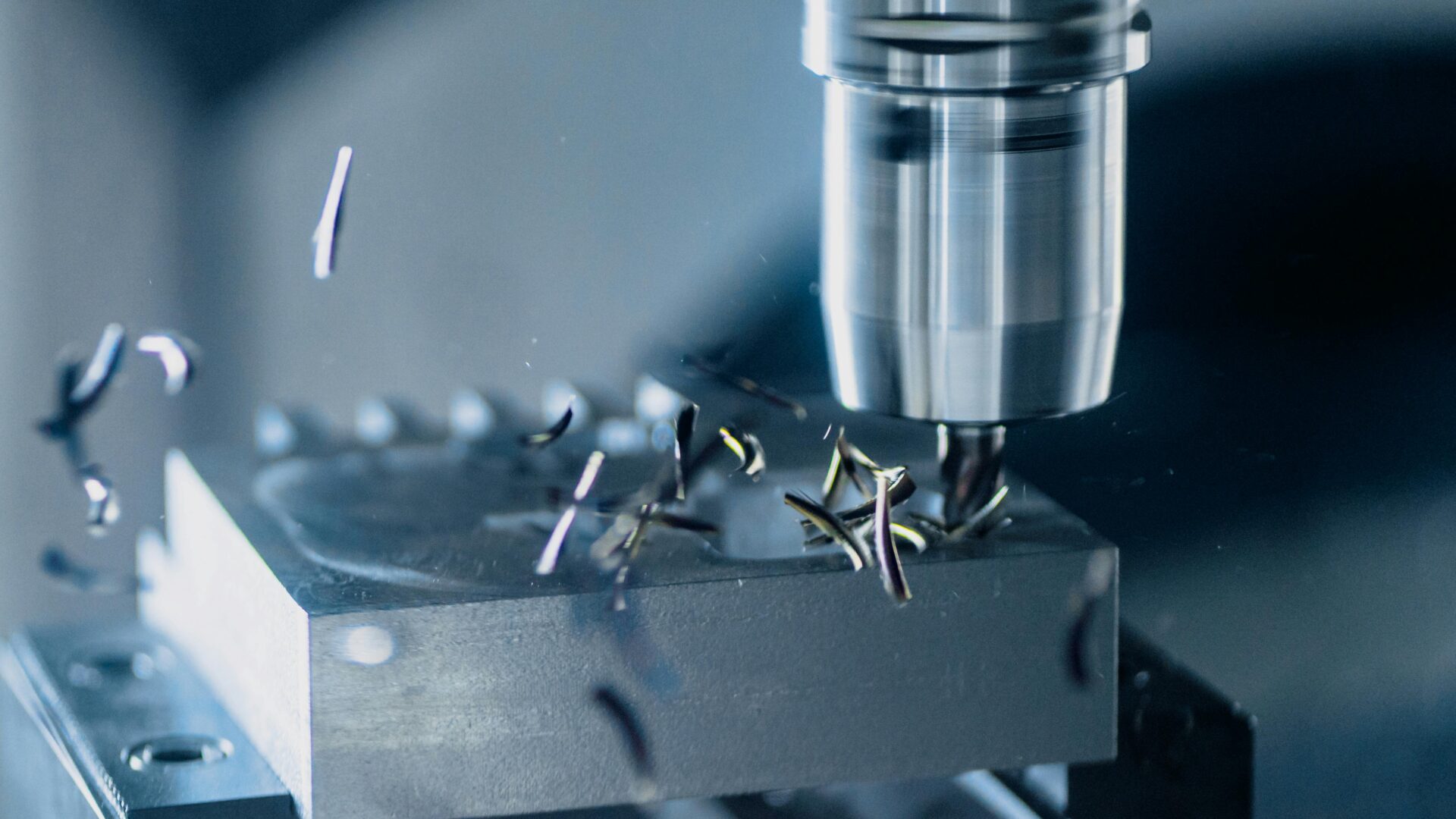
Chatter in machining is one of the most common signs that a cutting process has become unstable. The question is usually simple: what is causing the vibration, and how can it be stopped without slowing the process down more than necessary?
The short answer is that chatter is a form of machining vibration. It occurs when the cutting tool, workpiece or machine setup starts to vibrate in a way that reinforces itself during the cut. Once that happens, the process becomes unstable. The operator may reduce speed, feed or depth of cut to regain control, but that often means lower productivity.
In many cases, chatter can be reduced through setup improvements, cutting data adjustments and better tool selection. In more demanding applications, especially long-reach turning, boring, grooving or milling, a vibration-damped tool holder may be needed to control the vibration closer to the source.
What is chatter in machining?
Chatter is an unwanted vibration between the cutting tool and the workpiece. It often occurs when the cutting process creates dynamic forces that the machine, tool or setup cannot absorb effectively.
Some level of vibration exists in most machining operations. The problem starts when the vibration becomes unstable. Instead of fading out, it continues to build during the cut. That creates a repeating pattern of vibration that affects both the tool and the workpiece.
The result is often visible on the machined surface. Chatter marks can appear as waves, uneven lines or repeated patterns across the component. In turning, they may show up as spiral or band-like marks. In milling, they can appear as irregular marks across the milled surface.
Chatter is not only a surface finish problem. It can also affect tool life, dimensional control, machine load and process reliability.
Why machining vibration becomes a problem
Machining vibration is usually caused by a combination of factors rather than one isolated issue. A process can run well in one setup but become unstable when tool length, material, cutting data or workholding changes.
Several factors can trigger or amplify chatter:
- Long tool overhang
The longer the tool extends from the holder, the lower the stiffness of the setup. This is a major issue in internal turning, boring and deep grooving, where the cutting edge often has to operate far inside the component.
- Weak workholding
If the workpiece is not clamped securely, it can move or resonate during machining. Thin-walled components, long shafts and complex parts are especially sensitive.
- Unstable cutting data
Cutting speed, feed rate and depth of cut all influence vibration. A small change in speed or depth of cut can sometimes move the process into an unstable vibration range.
- Tool wear or incorrect insert geometry
A worn insert, unsuitable grade or poor cutting edge geometry can increase cutting forces. Higher cutting forces can make vibration worse, especially in less rigid setups.
- Material behavior
Difficult-to-machine materials can increase cutting resistance and heat. This may make the process more sensitive to vibration, particularly in high-precision machining.
- Machine and spindle condition
Backlash, worn bearings, weak fixturing or lack of machine rigidity can also contribute to chatter.
Chatter in turning
Vibration in turning is especially common in internal operations and long overhang setups. A boring bar or turning tool with a high length-to-diameter ratio is more likely to deflect under cutting load. As the tool deflects, the cutting forces change. Those changing forces can feed vibration back into the process.
This is why chatter often appears when operators try to increase productivity in turning by using higher cutting speeds, deeper cuts or higher feed rates. The machine may have enough power, but the tool setup may not have enough dynamic stability.
In practice, the operator may notice:
- A louder or more uneven cutting sound
- Poorer surface finish
- Chatter marks on the workpiece
- Shorter insert life
- Need for repeated cutting data adjustments
- Difficulty holding tolerances over longer production runs
In many cases, the immediate fix is to slow down the process. That can help, but it also reduces output. For production environments, the better question is how to control vibration while keeping the process productive.
How to identify chatter marks
Chatter marks are one of the clearest signs of unstable machining vibration. They usually appear as a repeated pattern on the machined surface.
Typical signs include:
- Wavy or rippled surface patterns
- Repeated lines across the cut
- Uneven surface finish
- Visible marks that correspond with vibration during the operation
- Surface defects that remain even when the tool is sharp
Chatter marks should not be confused with normal feed marks. Feed marks are expected and usually consistent. Chatter marks are more irregular and are caused by vibration rather than the intended tool path.
How to eliminate chatter in machining
There is no universal fix for chatter. The right solution depends on the setup, tool, material and operation. But the following steps are usually the most relevant.
- Increase setup rigidity
Start with the basics. Check that the workpiece, fixture, tool holder and machine connection are stable. Small weaknesses in the setup can become major vibration problems during cutting.
- Adjust cutting speed
Chatter is frequency-dependent. That means a process can be unstable at one spindle speed but stable at another. Sometimes increasing or reducing cutting speed can move the process away from the unstable range.This does not always mean slowing down. In some cases, a higher speed can improve stability. The point is to find a stable cutting window, not automatically reduce output.
- Review feed rate and depth of cut
Feed rate and depth of cut affect cutting forces. If the tool is overloaded, vibration can increase. Reducing depth of cut or adjusting feed can help stabilize the process.But this fix has a trade-off. Reducing cutting data too much may protect the surface finish while damaging productivity. For high-volume or high-value components, that may not be acceptable.
- Check insert geometry and edge condition
Insert selection matters. A sharp cutting edge with suitable geometry can reduce cutting forces. A worn insert can increase vibration, heat and instability.Changing the insert can sometimes reduce chatter, but it does not solve every vibration problem. If the setup itself is dynamically unstable, the process may still chatter.
- Use vibration damping closer to the cutting zone
When chatter is caused by dynamic instability in the tool setup, damping becomes critical. A vibration-damped tool holder is designed to absorb vibration energy before it damages the process. This is where MAQ’s technology addresses the problem directly.
How MAQ’s STMD™ helps control chatter
MAQ tools use STMD™, a self-tuning mass damper designed to control vibration in machining. Instead of relying on manual tuning for a narrow frequency range, the damper adapts to vibration changes during the process.
That is important because machining conditions are rarely fixed. Tool length, material, cutting data and setup geometry can all change the vibration frequency. A damping solution that only works in a narrow range can lose performance when the setup changes.
MAQ’s technology is designed to support stable machining across varying conditions. For the operator, the point is simple: less time spent tuning the tool, more control in the cut.
In chatter-prone operations, this can help reduce machining vibration, limit chatter marks, improve surface finish and support more stable turning, boring, grooving and milling. It can also reduce the need to slow down cutting data as the first response, helping manufacturers maintain productivity while improving process stability.
Experience the difference
The clearest way to evaluate chatter control is to compare the same operation with and without damping. Same machine. Same material. Same cutting data. Different result.
Book a demo to see how MAQ tools can help reduce chatter, improve surface finish and stabilize your machining process.